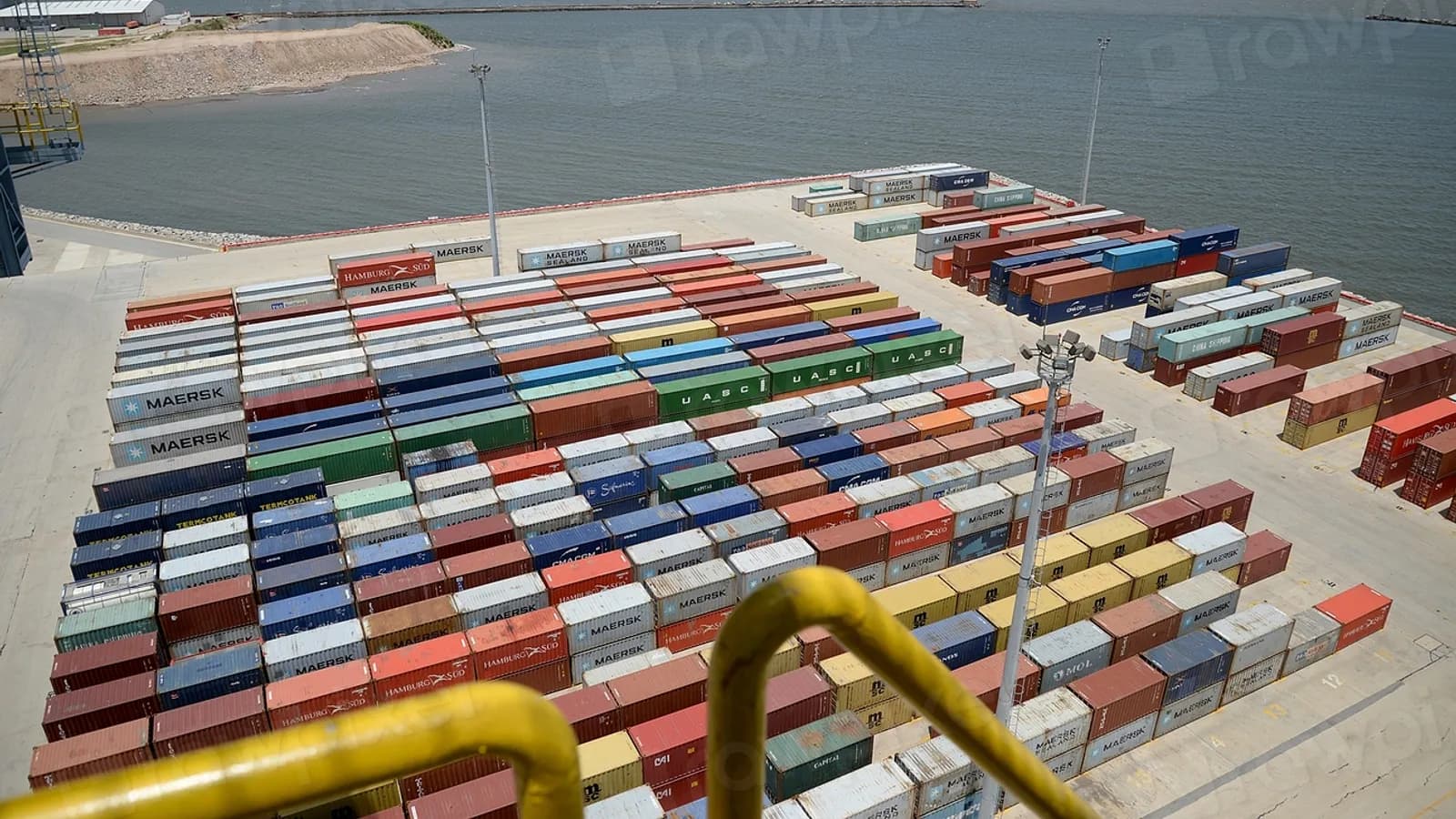
Most importers we meet still cost their stock at the invoice price from the supplier. Freight, duty and insurance get absorbed as a lump expense somewhere in the accounts. The vendor bill says one number. The real landed cost is another. Nobody can tell you which SKU actually made money this quarter. Odoo landed costs fix that gap by pushing those charges back onto the stock valuation. The cost you report becomes the cost you actually paid to get the goods on your shelf.
We have set this up for clients moving everything from electronics components to packaged food. The mechanics stay the same even when the supply chains do not. Below is how we approach it, what it changes in the numbers, and where it still falls short.
What Odoo landed costs actually do
A landed cost record in Odoo attaches to a transfer that has already been validated, typically a receipt from a vendor. You cannot attach it before the goods are received. The workflow is deliberately after the fact. On that record you add cost lines: ocean freight, customs duty, marine insurance, inland trucking, whatever you track. You choose how each line splits across the products in that receipt. Odoo then adjusts the stock valuation and posts the accounting entries to match.
This only works for products in FIFO or AVCO costing categories. If you run Standard Price costing, landed costs have nothing to attach to. Standard cost is fixed by you, not derived from receipts. That is the first decision point for any importer. Standard Price is simpler to manage, but it hides the very fluctuation landed costs exist to capture.
The split methods, and why they matter
When you add a cost line, Odoo offers a few ways to distribute it across the products on the receipt:
- By quantity — splits the charge evenly per unit received, regardless of value or weight.
- By weight — useful for freight that is genuinely priced by kilogram.
- By volume — fits container freight priced by cubic meter.
- By current cost — splits proportionally to each product's existing valuation, which tends to suit duty and insurance that scale with declared value.
Picking the wrong split method is the single most common mistake we see. One client imported bulky, low-value packaging alongside small, high-value electronics in the same container. All freight was split by quantity. The packaging absorbed almost none of the real freight cost. The electronics absorbed too much. That made the electronics line look far less profitable than it actually was. Switching freight to a by-volume split and duty to a by-current-cost split corrected the picture within one close cycle.
How this changes margin per SKU
Before landed costs are applied, your gross margin report compares sales price against a partial cost. Once freight, duty and insurance are spread in, the same report tells a different story. On low-margin, high-volume SKUs, a few percentage points of freight can be the whole margin.
We usually recommend importers run a before-and-after comparison on their top twenty SKUs the first time landed costs go live. The result is rarely uniform. High-value, low-volume items often barely move. Bulky, low-value items can swing five to ten points of margin once freight is attributed correctly. That swing is the number that should change your pricing and purchasing decisions. The blended, undifferentiated margin most spreadsheets still report is not.
Setting it up without breaking existing valuation
A few things we check before turning this on for a client:
- Confirm the relevant product categories use FIFO or AVCO, not Standard Price. Changing a category's costing method is prospective only. Stock already on hand keeps its recorded value, and only future moves pick up the new method. There is no retroactive cleanup needed. There is also no retroactive fix if you were hoping for one.
- Decide which charges belong in landed cost versus which stay as period expenses. Inland trucking from the port to your warehouse is a candidate either way. We generally include it if it varies meaningfully by shipment, and leave it as overhead if it is close to a flat fee every time.
- Agree the split method per cost type before go-live, not per shipment. Consistency here is what makes period-over-period margin comparisons meaningful.
- Train whoever processes the vendor bill for freight and duty to raise the landed cost record promptly, ideally the same week as the receipt. Valuation and the general ledger stay in step this way.
Where it still falls short
Landed costs in Odoo do not retroactively value stock that has already left the warehouse through a delivery order before the cost was applied. Say your customs duty bill arrives three weeks after a shipment, and half the batch has already shipped to customers. The landed cost record still adjusts the remaining on-hand stock and the related accounting. But the cost of goods already sold does not get restated unless you handle that manually. For importers with fast-moving SKUs and slow customs paperwork, this lag is a real operational problem. It is not a software limitation you can configure away. The practical fix is tightening the gap between receipt and landed cost entry, not expecting the system to reach back in time.
Valuation by lot or serial number, available for FIFO and AVCO products in recent Odoo versions, helps here. It lets you trace a specific landed cost allocation back to a specific batch rather than an average across the whole product. It is worth enabling if you deal with batch-specific duty rates or insurance claims tied to particular lots, and worth checking your version for before you plan around it.
A worked example
Say a receipt brings in 500 units of Product A and 200 units of Product B on the same container. Freight costs 60,000 baht, split by volume. Product A takes up more container space and absorbs 40,000 baht. Product B absorbs 20,000. Customs duty of 15,000 baht is split by current cost instead, since duty is value-based. Product A's existing valuation is three times Product B's, so it absorbs 11,250 baht and Product B absorbs 3,750.
| Product | Units | Freight share | Duty share | Added cost/unit |
|---|---|---|---|---|
| Product A | 500 | 40,000 | 11,250 | 102.5 |
| Product B | 200 | 20,000 | 3,750 | 118.75 |
Product B, the smaller line by volume, carries a higher added cost per unit once duty is factored by value. That is exactly the kind of detail a blended cost figure hides, and a properly configured landed cost setup exposes it.
For importers running multi-warehouse or multi-currency operations, this gets more involved. It is one of the areas we cover under our wholesale and distribution ERP work, alongside the inventory and purchasing flows that feed into it. We also handle the related Odoo customization when a client needs a split method Odoo does not ship by default. Ongoing Odoo support keeps the cost allocations consistent after go-live.
If you are evaluating whether to turn this on, start with one product category and one supplier. Run it for a full month-end close, and compare the margin report before and after. That single comparison will tell you more about whether landed costs matter to your business than any amount of reading the documentation.